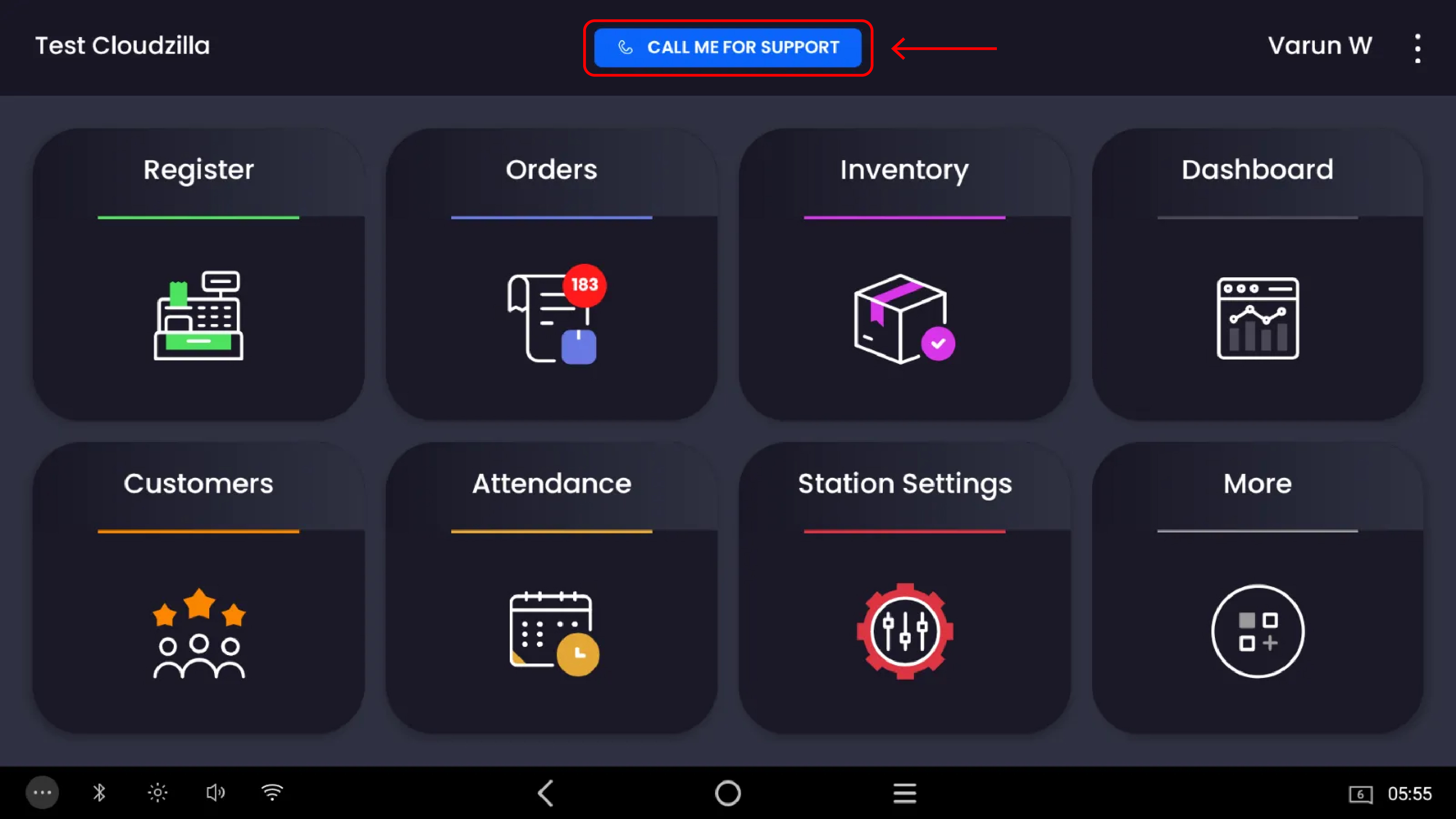
The Call Me for Support feature gives merchants and employees a quick way to request a callback from the Quickvee support team — directly from the POS without leaving the app. The button is accessible from multiple screens so help is always within reach.
Where the button appears
|
Screen |
Location |
|---|---|
|
POS Home |
Blue button at the top-centre of the home screen |
|
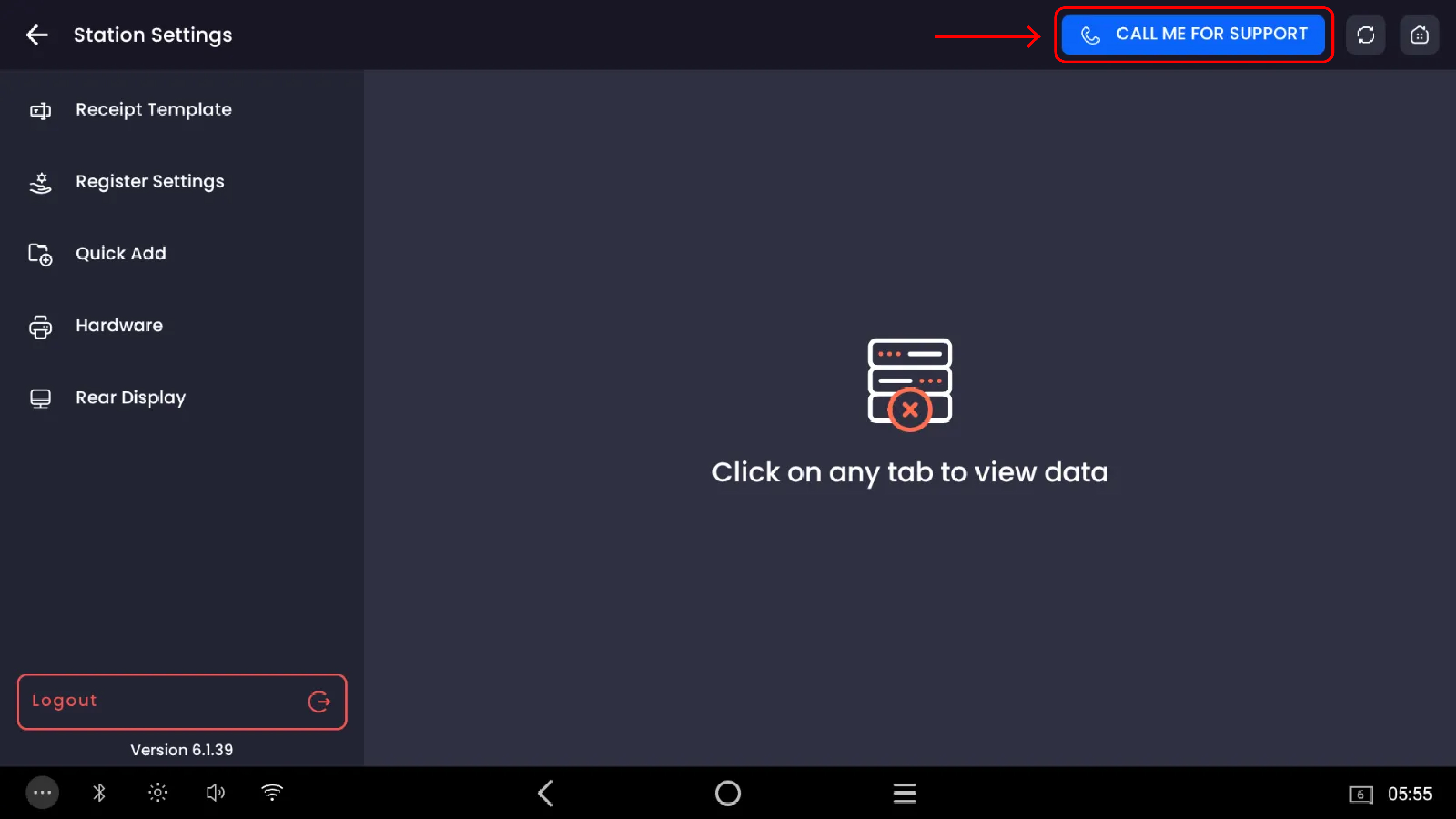
Station Settings |
Blue button at the top-right of every Station Settings tab |
|
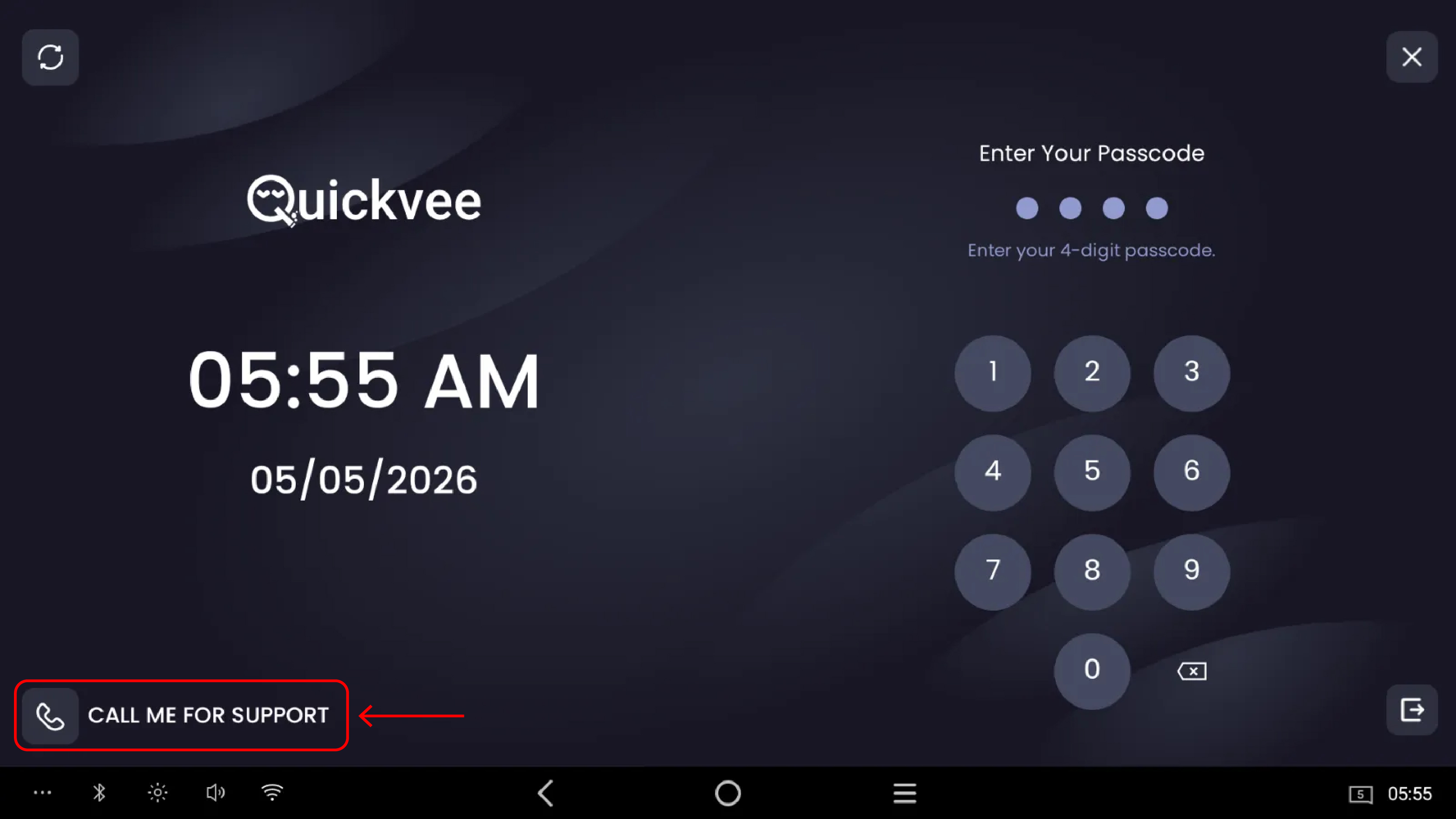
Register Lock Screen |
Bottom-left corner of the passcode entry screen |
How to request a callback
-
Tap the CALL ME FOR SUPPORT button from any screen where it appears
-
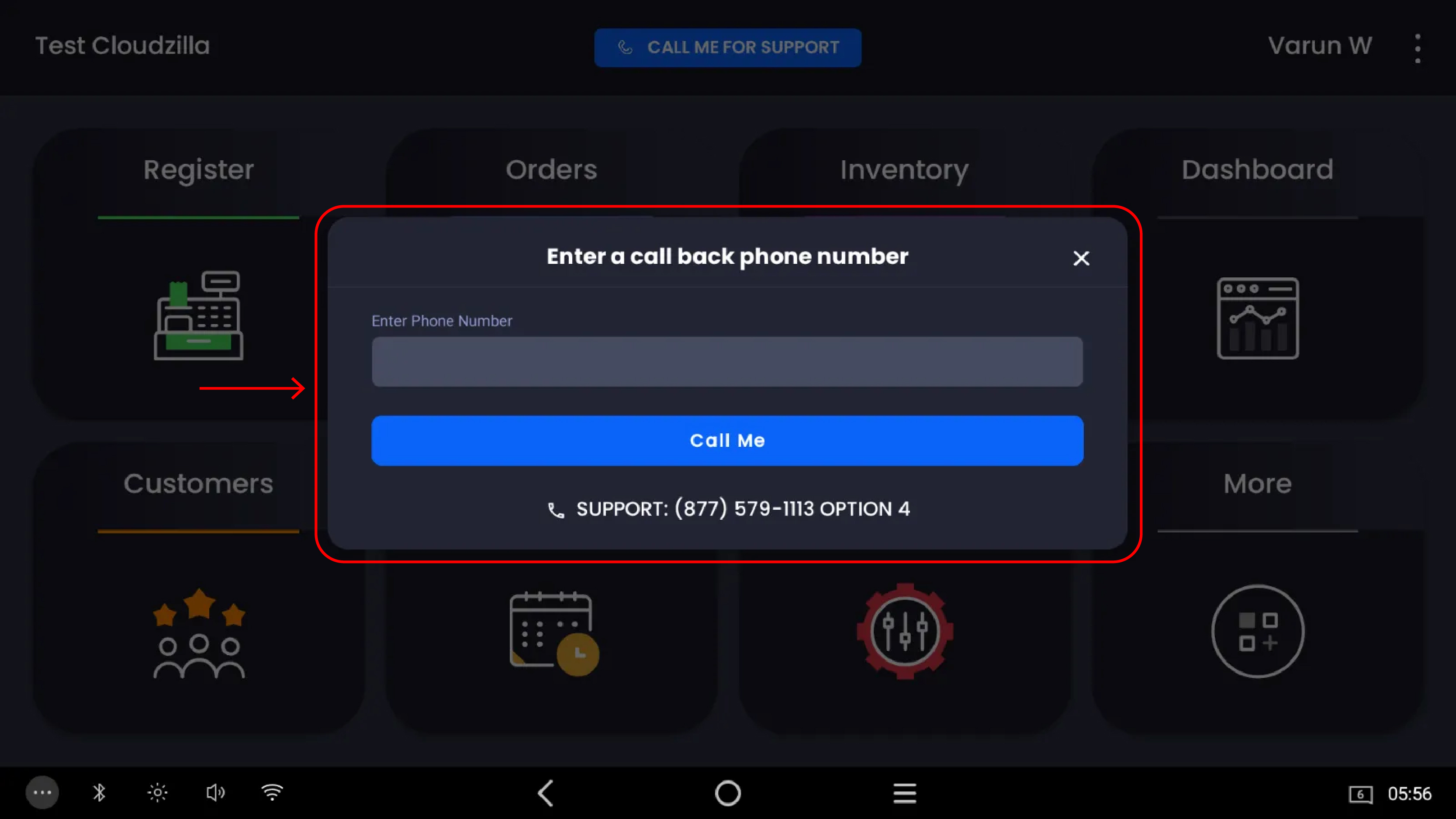
A modal dialog opens titled "Enter a call back phone number"
-
Tap the Enter Phone Number field and type the phone number you want to be called back on
-
Tap the blue Call Me button
A support representative from the Quickvee team will call you back at the number provided.
Direct support line
If you prefer to call support directly rather than requesting a callback:
SUPPORT: (877) 579-1113 OPTION 4
This number is displayed at the bottom of the Call Me for Support modal at all times for quick reference.
Register lock screen access
The Call Me for Support button is also available on the Register Lock Screen — the passcode entry screen that appears when the register is locked. This ensures that even when the register is locked and no employee PIN is immediately available, support can still be contacted without unlocking the device first.
Important notes
Call Me for Support is available 24/7 from any screen. You do not need to navigate to a specific menu to find it — the button is persistent across the POS home screen, all Station Settings tabs, and the lock screen.
The callback number you enter does not need to match any number on file. Enter any phone number where you are available to receive the call.
Closing the modal using the X button at the top-right cancels the request without submitting a callback.