
Quickvee POS lets merchants apply coupons directly from the register during a transaction. Coupons are configured in the back office and are shared across both the POS register and the online ordering website, ensuring consistency across sales channels.
How to apply a coupon
-
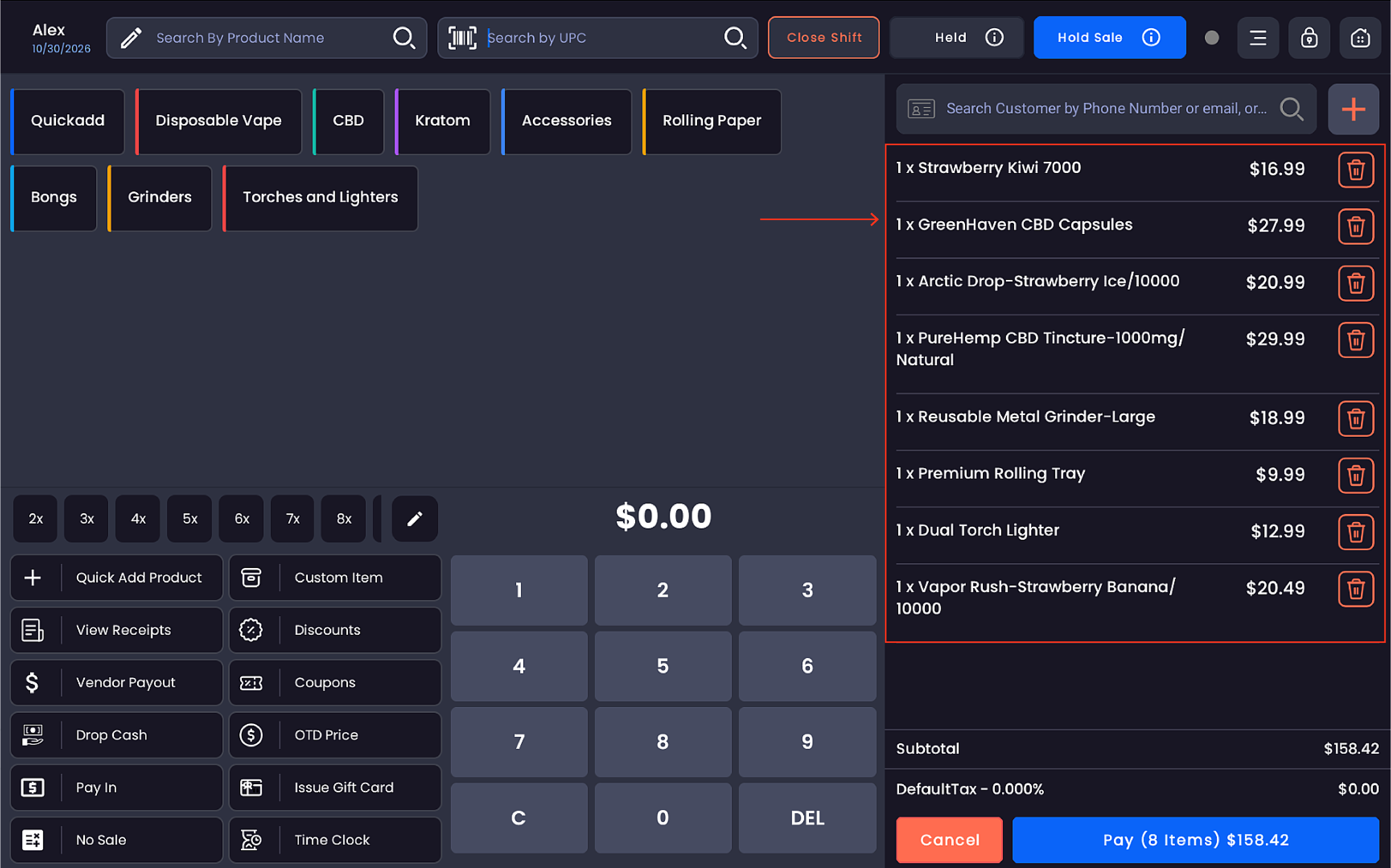
Add one or more products to the cart
-
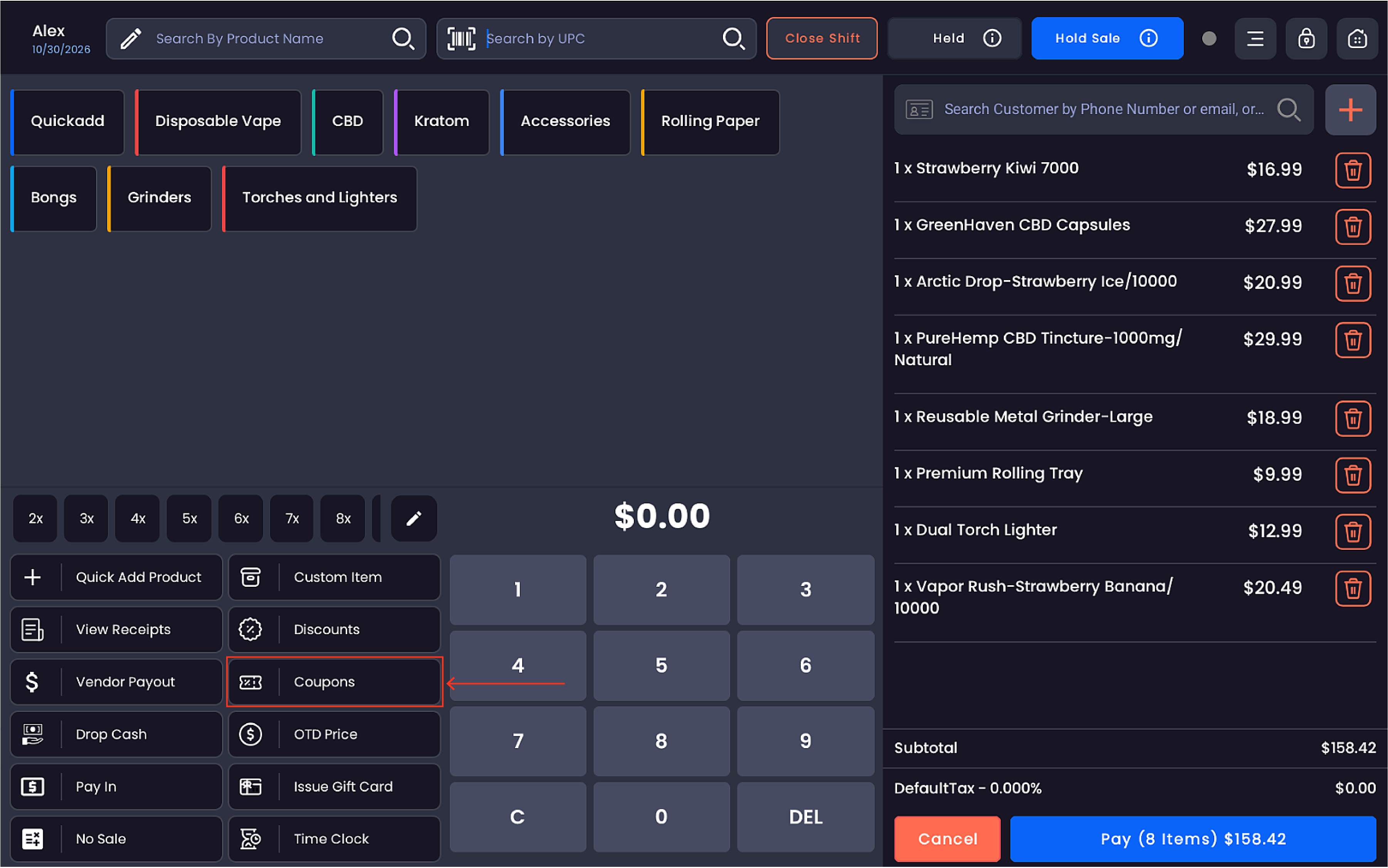
Tap Coupons on the register
-
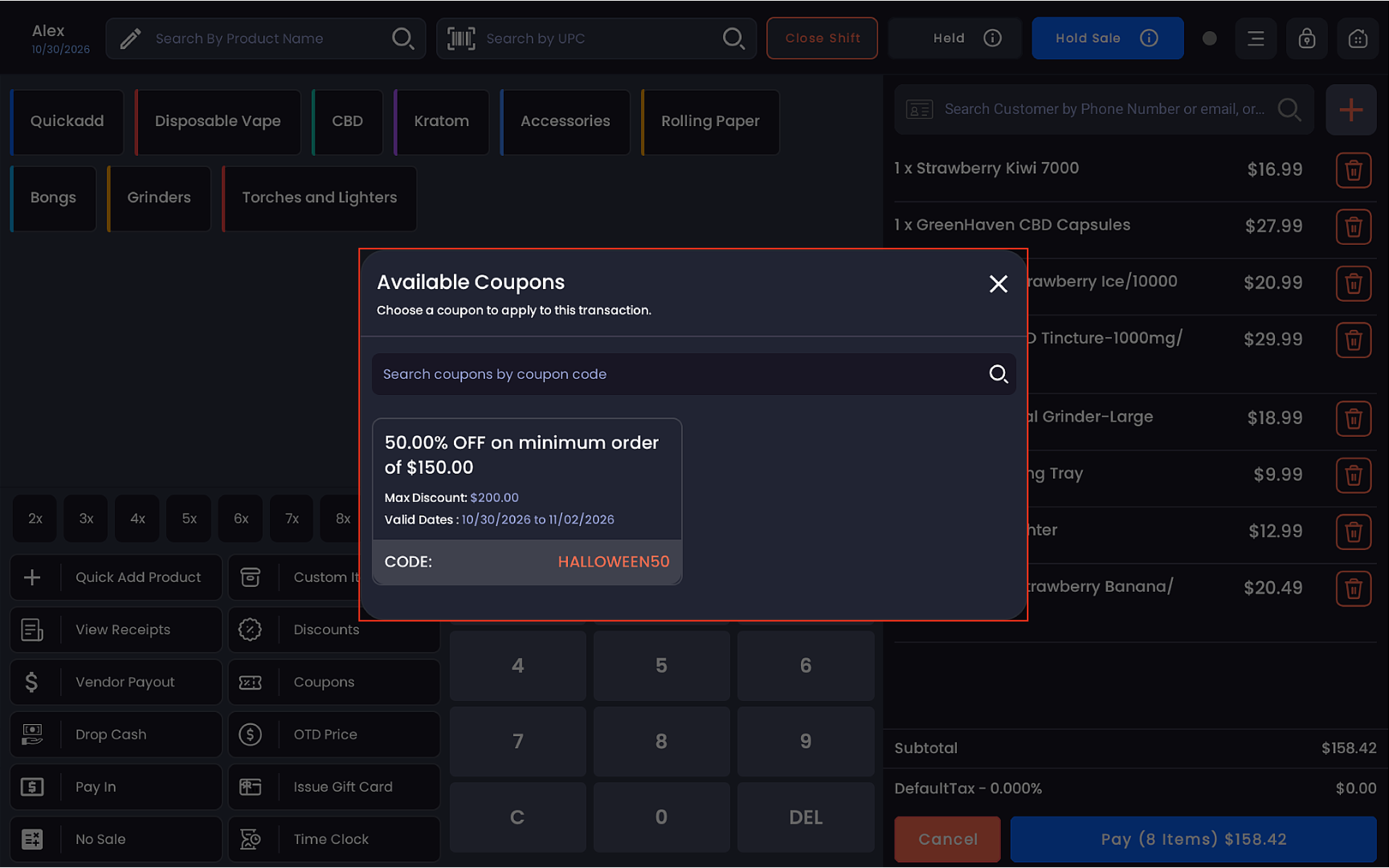
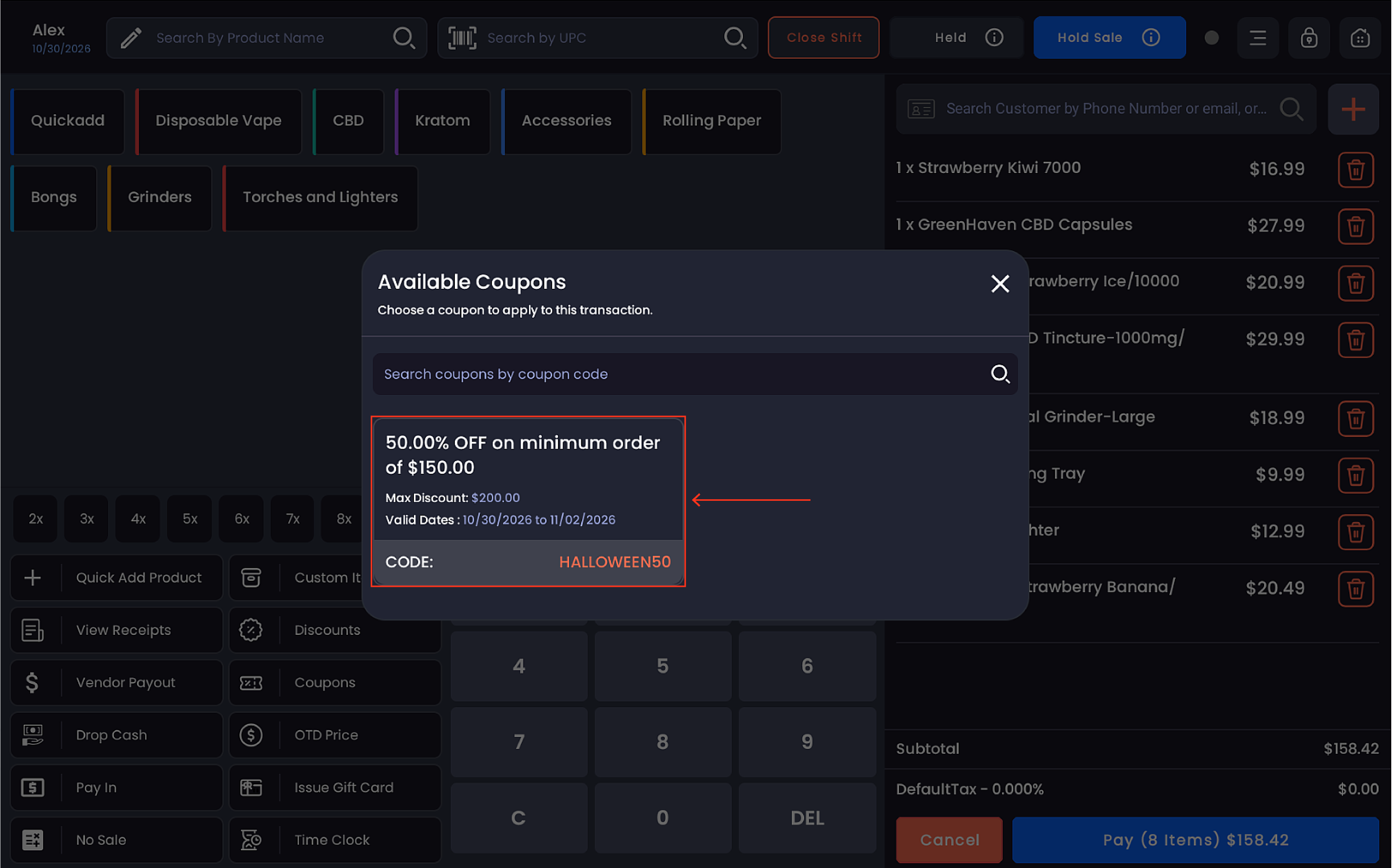
The Available Coupons popup appears, displaying all active coupons for the store
-
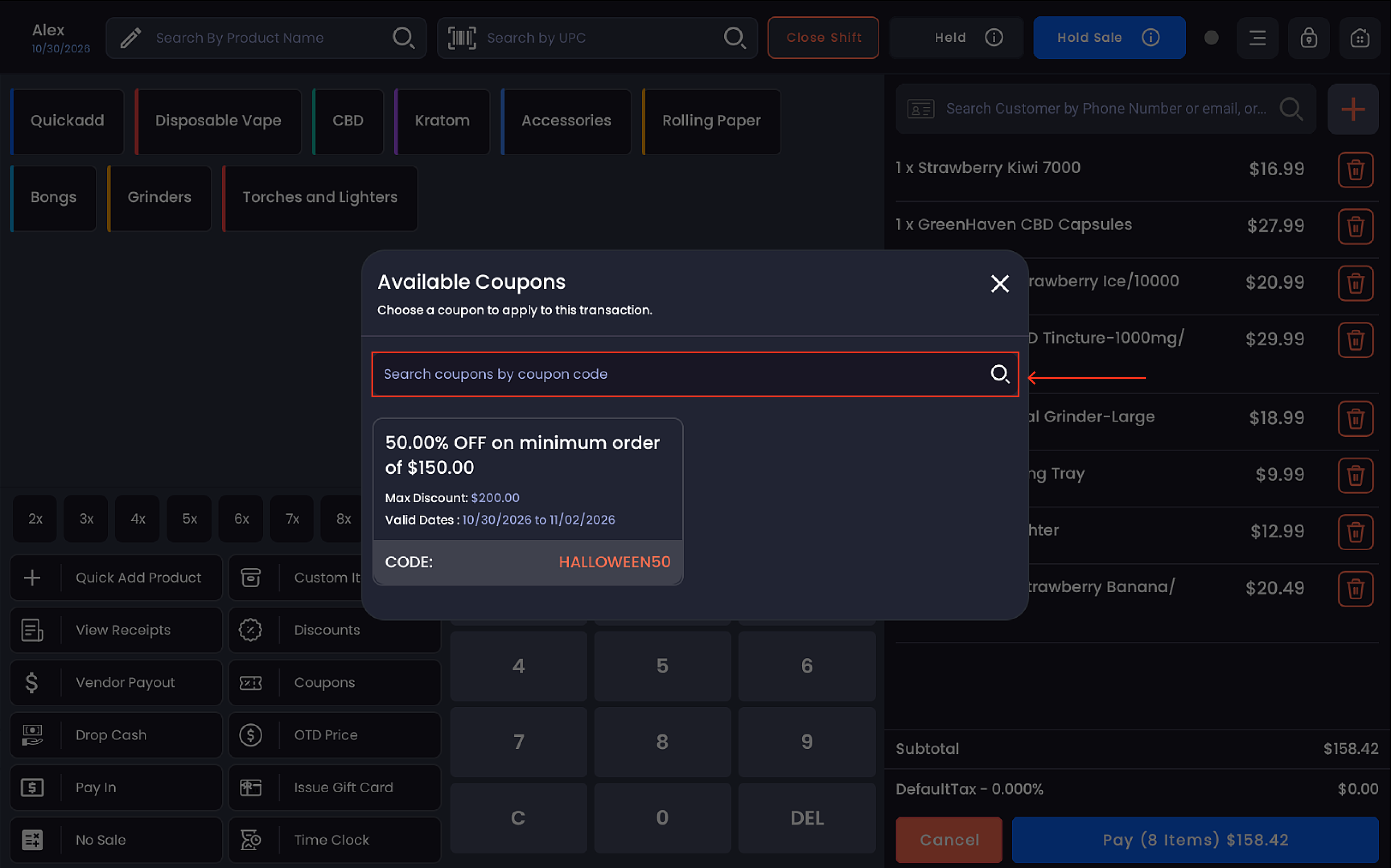
Browse the list or search by coupon code using the search bar
-
Tap the desired coupon to select and apply it
-
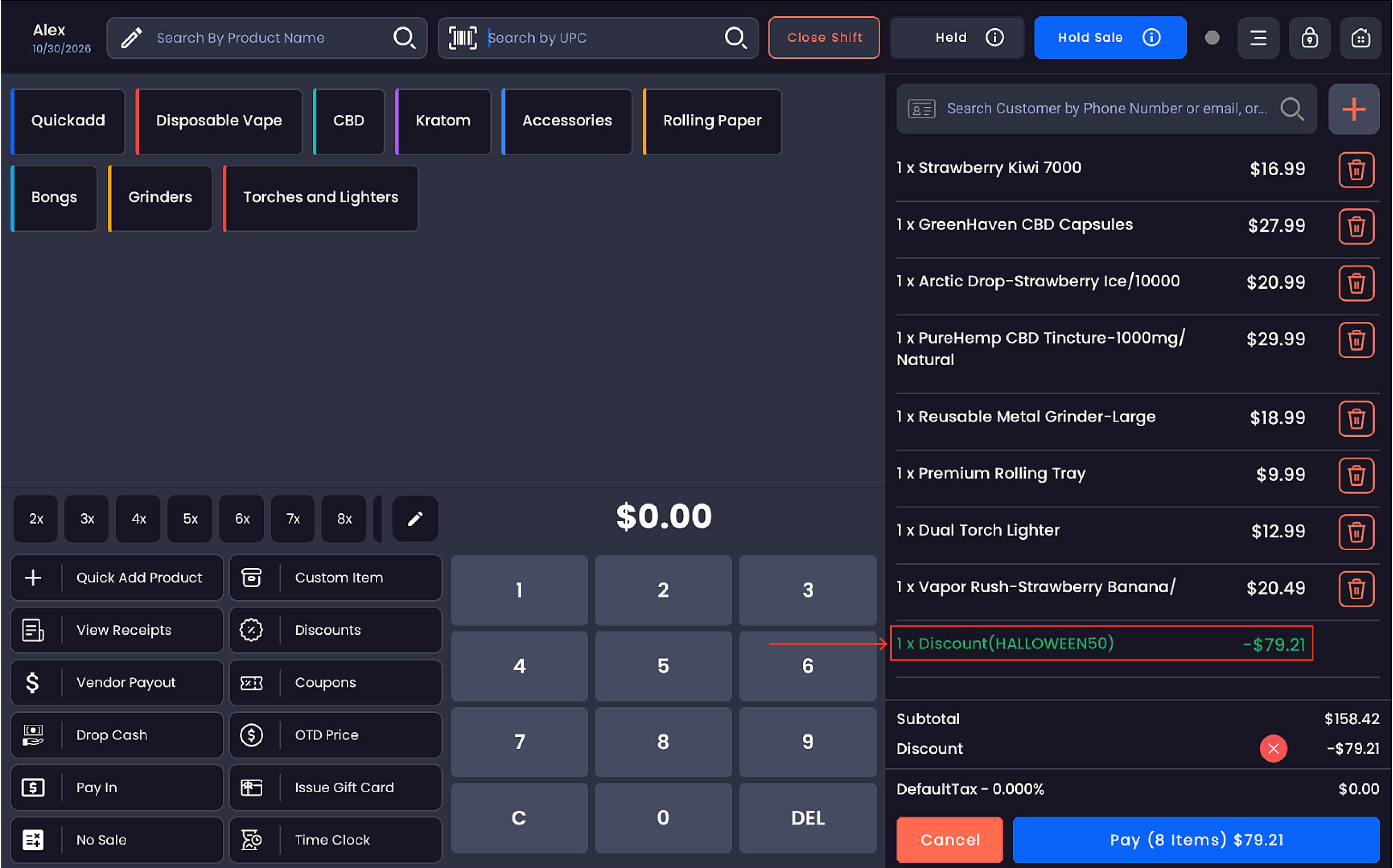
The coupon name and discount amount appear as a line item in the cart (e.g.
1 x Discount(MIL10) — -$0.60)
-
The updated subtotal, tax, and total reflect the applied discount
-
Proceed to payment to complete the transaction
Coupon types supported
|
Type |
Example |
|---|---|
|
Fixed dollar amount off |
$10.00 OFF on minimum order of $50.00 |
|
Percentage off |
10% OFF on minimum order of $1.00 |
|
Percentage off with maximum cap |
20% OFF on minimum order of $20.00, max discount $100.00 |
Coupon validity rules
Each coupon has defined eligibility conditions that must be met for it to apply:
-
Minimum order amount — the cart subtotal must meet or exceed the required threshold
-
Valid date range — coupons are only active within their configured start and expiry dates; expired coupons will not appear or apply
-
Maximum discount cap — percentage-based coupons may have a ceiling on the discount amount (e.g. max $100.00 off)
Coupons that do not meet the eligibility criteria for the current transaction will not be selectable.
Shared with online ordering
Coupons created in the back office are available across both the POS register and the online ordering website. Any coupon visible on the POS will also be accessible to customers placing orders online, keeping promotions consistent across all channels.
Notes
Only one coupon can be applied per transaction.
The applied coupon is shown by name in the cart line items for clear reference.
Coupons can be combined with item-level discounts and loyalty point redemptions where applicable.